The session, start to finish
Four steps. The app walks you through each one, every time.
Know your starting point
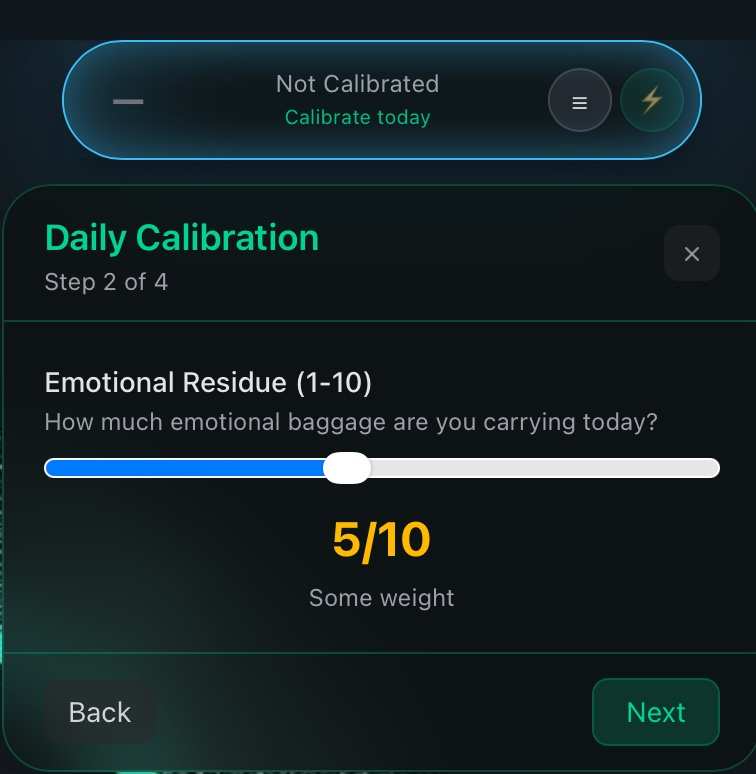
Three quick questions before you begin: how you slept, how full your head is, what you're still carrying from earlier. The app sets today's baseline from today, not yesterday.
Name what winning looks like
Say what a good session means, pick your mode (Zen, Flow, or Legend), set the clock. The session aligns to your intention, not a generic timer.
Three minutes to arrive
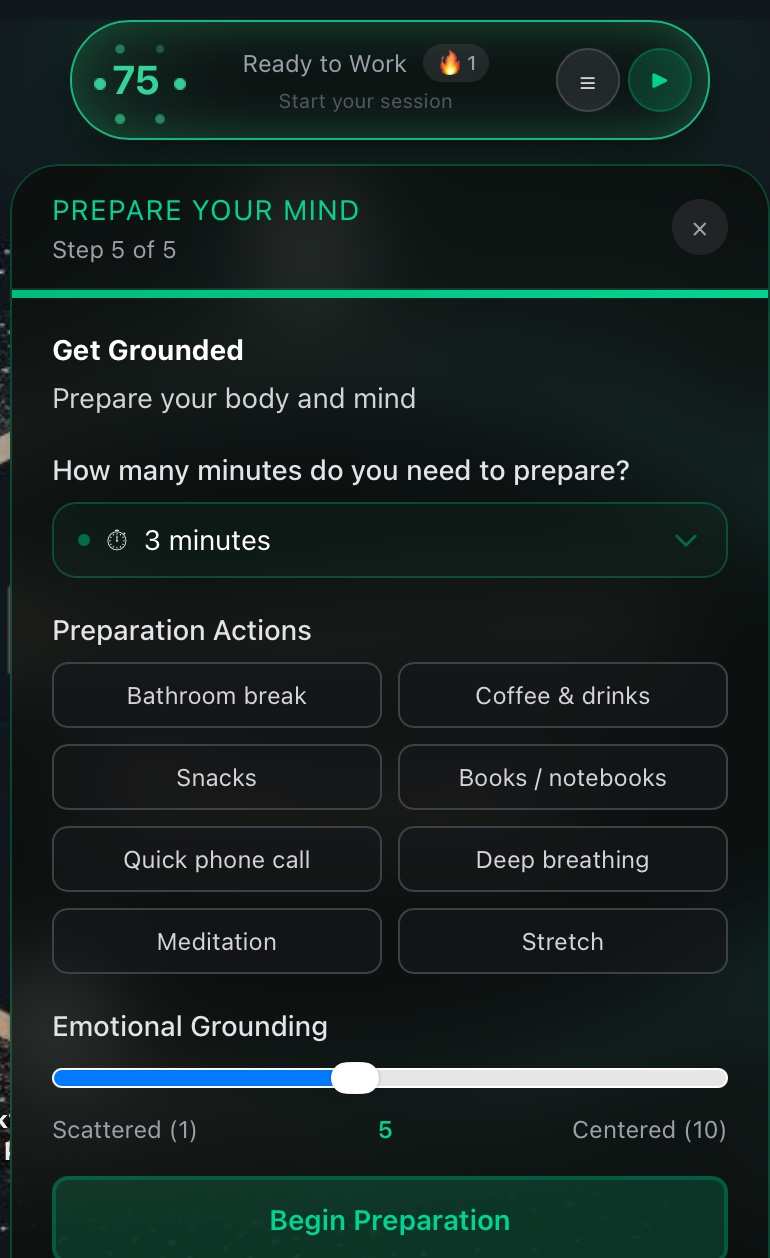
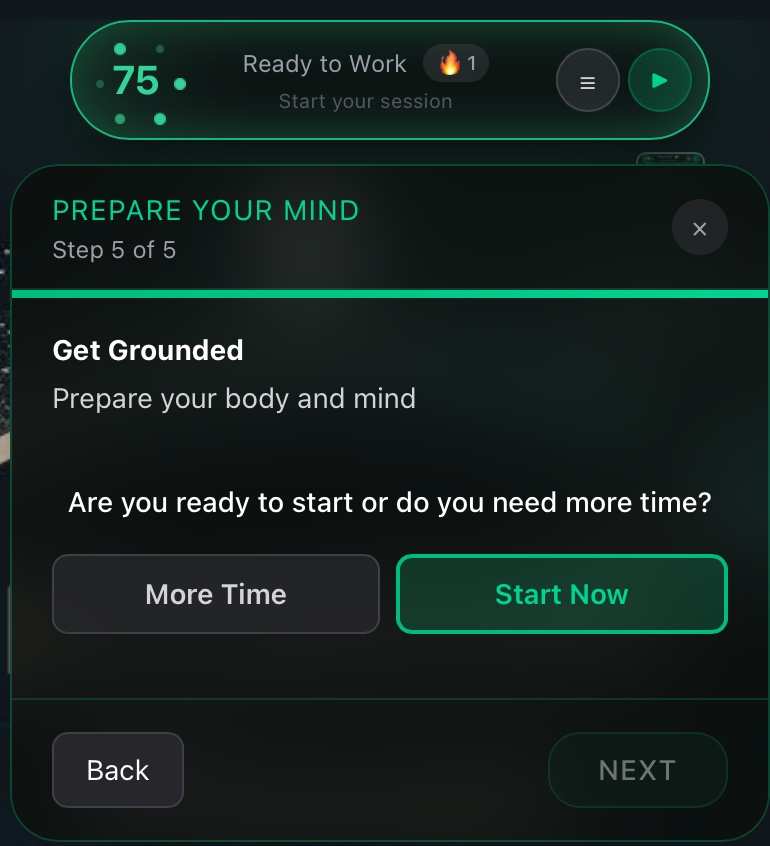
Water. Stretch. Breathe. Three minutes that switch your focus on. Most people skip it. DustOff builds it in.
Watch the game tape
Every session ends with a timeline: flow, work, distracted, reset, in color. Not to shame you. To show you the pattern so the next session goes better.
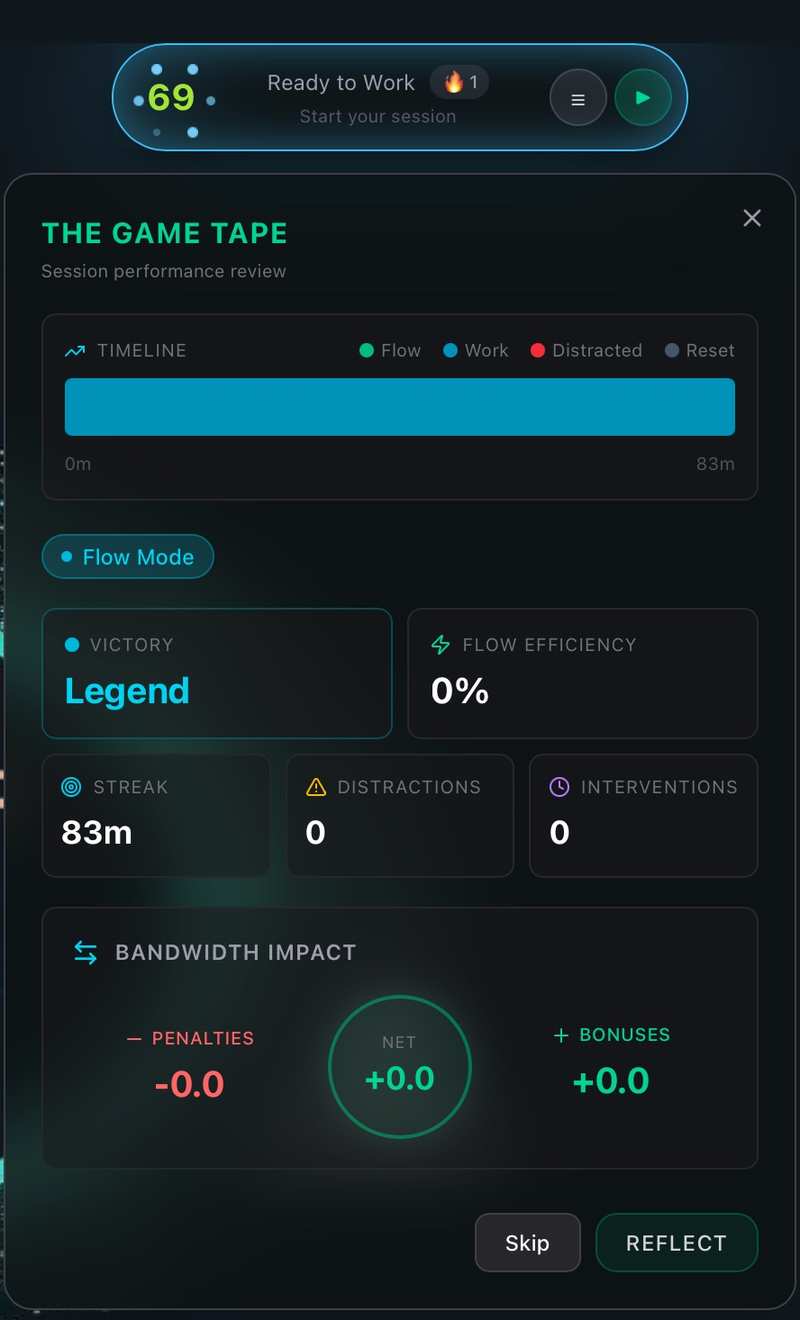
A real session's game tape looks like this. Nobody's bar is perfect. The point is seeing where your day actually went, and protecting the next one a little better.
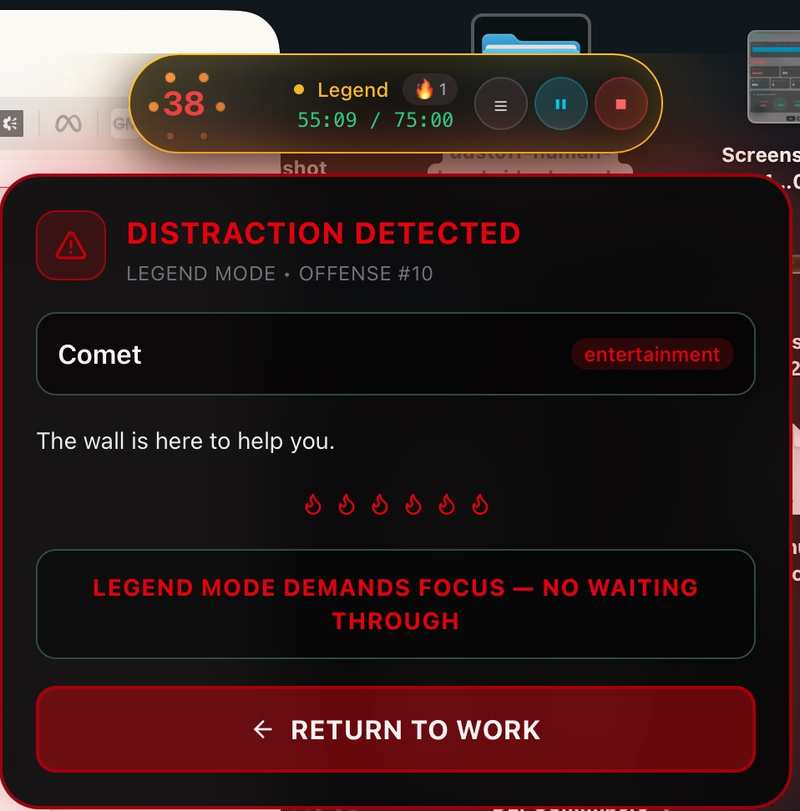
It doesn't just log the drift. It stops it.
Open a distraction in Legend mode and the wall goes up. You either return to work or take an intentional break, on purpose. Most tools watch you fail and send you a report at the end of the week. DustOff steps in before the damage adds up.
Three modes, one streak
Zen
Silence everything. Short, gentle sessions for heavy days. Protecting a low-bandwidth day counts as a win, and the app treats it like one.
Flow
The everyday mode. Full sessions, drift alerts, resets when you need them. This is where most of your streak gets built.
Legend
For the days you're sharp. Longer sessions, tighter protection, bigger wins on the tape.
The streak counts days you showed up for your own capacity, not days you worked the longest. Rest days protect it.
Private by architecture
The app reads how you're working, never what you're working on: which app is in focus and how often you switch, nothing else. No keystrokes, no message content, no screenshots. Everything is processed and stored on your device. Read the full privacy architecture →